Yokohama HDR
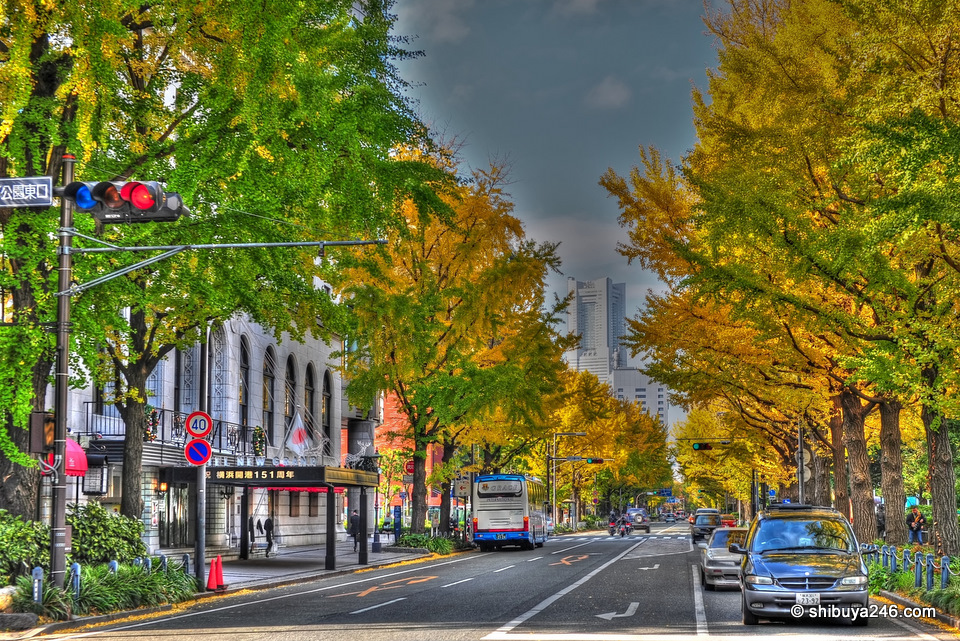
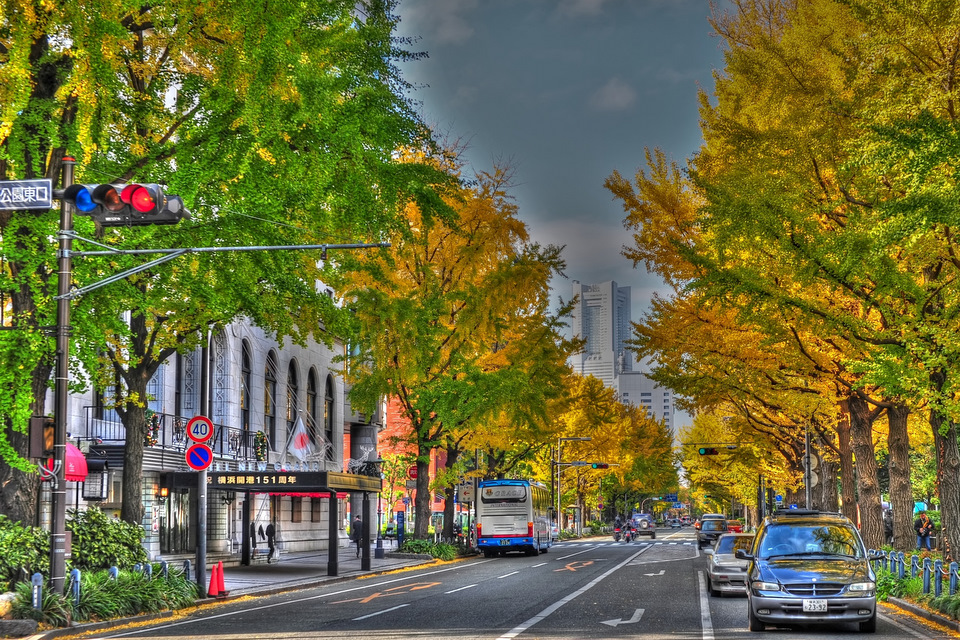
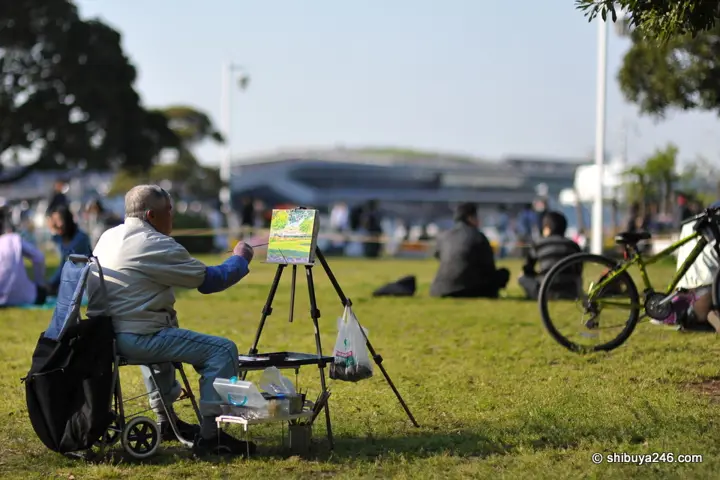
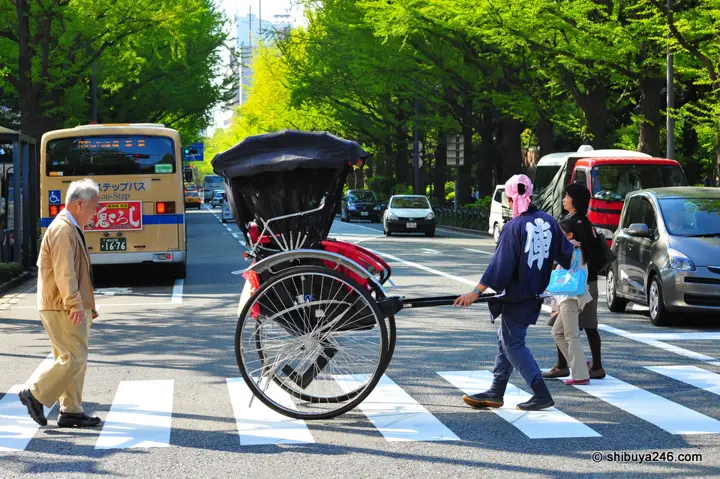
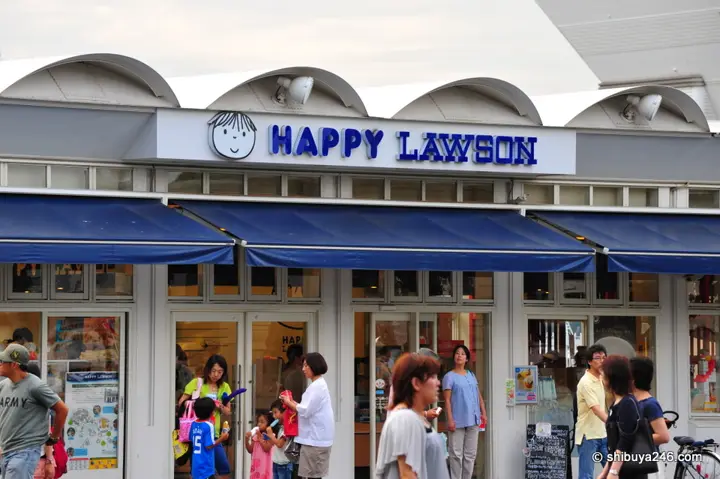
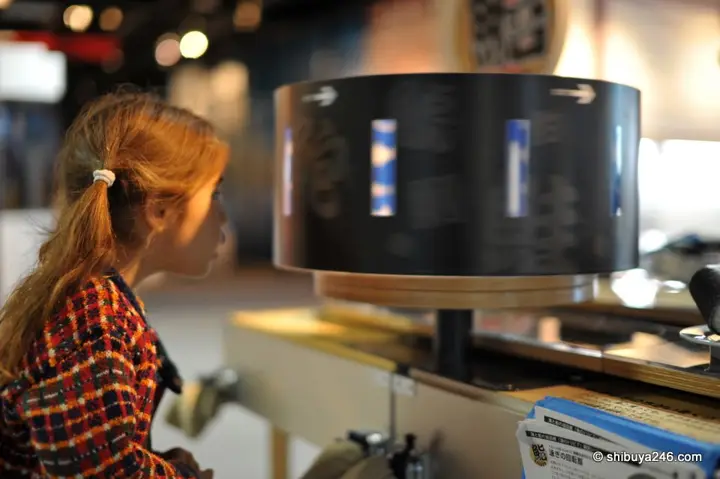
Took a day away to experiment with some HDR photography in Yokohama. I am still trying out a few techniques. Here are the first attempts at what might look more like art than photography.


What is your favorite Yokohama scene?
For those who have been following along, I started a Facebook page recently for quick snapshots of my traveling photos with the iphone. You can find it at http://facebook.com/JapanTravelGuide

11 comments
Comments are closed. These are from readers when the post was first published.
MarijnRongen
I really like this type of photography, will try it myself sometime soon I hope! Especially the first and last photos are amazing, the way metallic surfaces work in HDR photos is spectacular.
Shibuya246
Thanks. I like the way the light plays off the different surfaces. Metal is cool as is brick. Watching the light catch on trees and grass is also quite cool.
locohama
Utterly awesome pics Shibuya!! Really putting my town on the map!
Shibuya246
Glad you like them. I always enjoy a quick trip to Yokohama. Something about the town which is different.
lithiumangel
p.s. I have been meaning to ask but your blog sure doesnt like me formatting my posts properly with multiple "Enters" etc. to space things out. Any tips? Do i need to use a certain tag?
Shibuya246
Very good tips. Thanks as always. I had the bracketing set for 3 shots and as normal have the CH mode set. I had the ISO set to auto and probably could have bumped it up more. What would you do for the F stop? I used photomatix for bringing the frames together, but didnt do any masking in photoshop. I saw a tutorial that said always go back and make sure the sky is blue. That must be an advanced step. Next time :) I was thinking of looking into filters as well. Will visit Yodobashi Camera soon :) Thanks for the examples. Not sure why the formatting doesnt turn out right. I might take a look at the code. Maybe there is a problem.
lithiumangel
For the F stop I set something that gets "more things into focus" so anything lower than F/5.6 is a no no :) Depends on the scene, if half my frame is with a sky; then F/5.6 is good. But if there is allot of detail in the frame and less sky I go F/8 this gets my entire scene in tac-sharp focus. But since you are going down several F-stops .. you will lose your "speed" - hence the "bump up the ISO" tip. You can do the ISO thing two ways. Either bump up auto-iso to something like: Minimum shutter speed: 1/200, maximum ISO 3200 (should provide no grain during the day for sure so no worries) this will ensure that all shots in your frame are 1/200th of a second at least. Or do it manually and check your viewfinder first if it's up in the 200 + area before bumping it up as required. Also if you are using one of the latest photoshop? There is a "merge to HDR pro" function in it (under file, automate I think) I like it's results better than Photomatix, but this is personal taste. (also seems to do it's job faster too)
Shibuya246
Thanks. I will take a look at Photoshop shortly. I'll keep an eye on the shutter speed also.
kenguie
The first pic is probably my fav! This is awesome, looks almost like painted scenes. You take great pics!
Shibuya246
Very nice of you to say so. Thanks :)
Mei
super like this !! actually all of your photos :)